Brand & Technical Guidelines
Using this with an AI assistant? Point it at this page and ask it to follow these guidelines when it builds your email or landing page. For the plain-text version, which most assistants parse more reliably, use https://dataformsolution.com/brand-guidelines.md.
Anything built to this specification can be published at a public URL and imported straight into the DFS console.
Version 1.0. Follow these rules when producing emails or landing pages for Data Form Solution Brand Partners.
Non-negotiable rules
- Never include
<script>,<form>, tracking pixels, or external stylesheets. They are stripped automatically, so anything depending on them breaks. Video embeds are the one permitted exception — see below. - Use only the placeholders listed below, written exactly as shown. Placeholders are lowercase words in single curly braces, for example {first_name}. Anything else — {{mustache}}, {First Name}, %merge% — is flagged as malformed and will not be replaced.
- Images must be absolute
https://URLs with descriptive alt text. - Make no medical, income, or cure/treat/prevent claims. This is a wellness and business-opportunity brand and such claims are prohibited.
- LifeWave® is a registered trademark of LifeWave Inc. Data Form Solution is not affiliated with, endorsed by, or sponsored by LifeWave Inc.
Landing pages
- Wrap the whole page in
<div class="dfs-imported-page">. Without it the stylesheet matches nothing and the page renders unstyled. - Renders in a browser. Use modern responsive CSS: media queries, flexbox, and grid are all supported and expected. Never use table-based layout.
- Put styles in a single
<style>element as the first child of the wrapper. Write normal selectors — every selector is automatically rewritten to sit under the wrapper, so do not scope them yourself. - Only Google Fonts load; the content security policy blocks other font hosts. Always declare a system fallback in the font stack.
- No JavaScript survives. Build accordions and FAQs with
<details>and<summary>, which need no script. - Video may be embedded with an
<iframe>, but only from www.youtube.com, youtube.com, www.youtube-nocookie.com, youtube-nocookie.com, player.vimeo.com. Convert share links to embed form first —https://youtu.be/VIDEO_IDbecomeshttps://www.youtube-nocookie.com/embed/VIDEO_ID— because a share link used as an iframe src will not play. Wrap it responsively and give it a title. - Your own
<form>elements are stripped, along with every input inside them, because a landing page must not be able to post visitor details anywhere but here. Lead capture is built in and comes with the spam checks, consent email and Brand Partner attribution already wired up. Use it one of two ways: link to "#request-more-information" to open it as a dialog, or place<div id="request-more-information"></div>where the fields should sit and the form is rendered into that spot, confirming in place when it is submitted. It collects first name, last name, email, mobile number, an optional question, and a WhatsApp preference — do not promise fields it does not have. - Keep the HTML under 500KB.
Landing page placeholders
{bp_name}— Public name of the Brand Partner whose page this is (their full name unless they chose another), followed by their LifeWave title when they chose to show it.{bp_full_name}— Public name of the Brand Partner without the title, for a contact block that prints {bp_title} on its own line.{bp_title}— The Brand Partner's LifeWave title (e.g. Director), or nothing when they have none or keep it hidden. An element containing only {bp_title} is removed entirely in that case.{bp_first_name}— The Brand Partner's first name, or their whole public name when they chose one.{bp_email}— The Brand Partner's contact email.{bp_phone}— The Brand Partner's contact phone number.{customer_order_url}— Link to the Brand Partner's customer order form. Use for customer calls to action.{partner_order_url}— Link to the Brand Partner's partner sign-up form. Use for recruitment calls to action.{ask_url}— Link to the Brand Partner's Ask David video library. Append?v={video id}&t={seconds}to open on a specific clip.{bp_photo}— The Brand Partner's photo as a complete tag, or nothing at all when they have not added one or have chosen not to show it. Place it where the picture belongs and style it with thedfs-bp-photoclass; never wrap it in your own .
Allowed landing page tags
a, abbr, address, b, blockquote, br, caption, center, cite, code, col, colgroup, dd, del, div, dl, dt, em, figcaption, figure, h1, h2, h3, h4, h5, h6, hr, i, img, ins, label, li, mark, ol, p, pre, q, s, section, small, span, strong, sub, sup, table, tbody, td, tfoot, th, thead, tr, u, ul, article, aside, button, details, footer, header, iframe, main, nav, picture, source, style, summary, video
Emails
- Table-based, single column, maximum 640px wide.
- Inline style attributes only. A
<style>element is stripped, so anything that depends on it will be lost. No flexbox, grid, or position. - Subject lines: 70 characters maximum.
- Keep the HTML under 100KB or Gmail clips it.
- A compliance footer with the unsubscribe link, postal address, disclaimer, and trademark notice is appended automatically at send time. Do not write your own.
- Avoid this wording, which raises spam scoring: free money, act now, guaranteed, risk-free.
Email placeholders
{first_name}— Recipient's first name.{last_name}— Recipient's last name.{email}— Recipient's email address.{order_id}— Reference of the order that triggered the campaign, when there is one.{selected_package}— Package the customer chose, when there is one.{bp_name}— Public name of the Brand Partner sending the campaign (their full name unless they chose another), followed by their LifeWave title when they chose to show it.{bp_full_name}— Public name of the Brand Partner without the title. Use it inside a sentence ("I'm {bp_full_name}").{bp_title}— The Brand Partner's LifeWave title (e.g. Director), or nothing when they have none or keep it hidden.{bp_email}— The Brand Partner's contact email.{bp_phone}— The Brand Partner's contact phone number.{unsubscribe_url}— Unsubscribe link. Legally required in marketing email; appended automatically if omitted.
Allowed email tags
a, abbr, address, b, blockquote, br, caption, center, cite, code, col, colgroup, dd, del, div, dl, dt, em, figcaption, figure, h1, h2, h3, h4, h5, h6, hr, i, img, ins, label, li, mark, ol, p, pre, q, s, section, small, span, strong, sub, sup, table, tbody, td, tfoot, th, thead, tr, u, ul
Approved images
Prefer these over sourcing your own:
- 201982102_172940351378191_6810492863143441089_n — https://media.dataformsolution.com/media/272cadf6-6144-4f12-9148-0e58844d6087.jpg
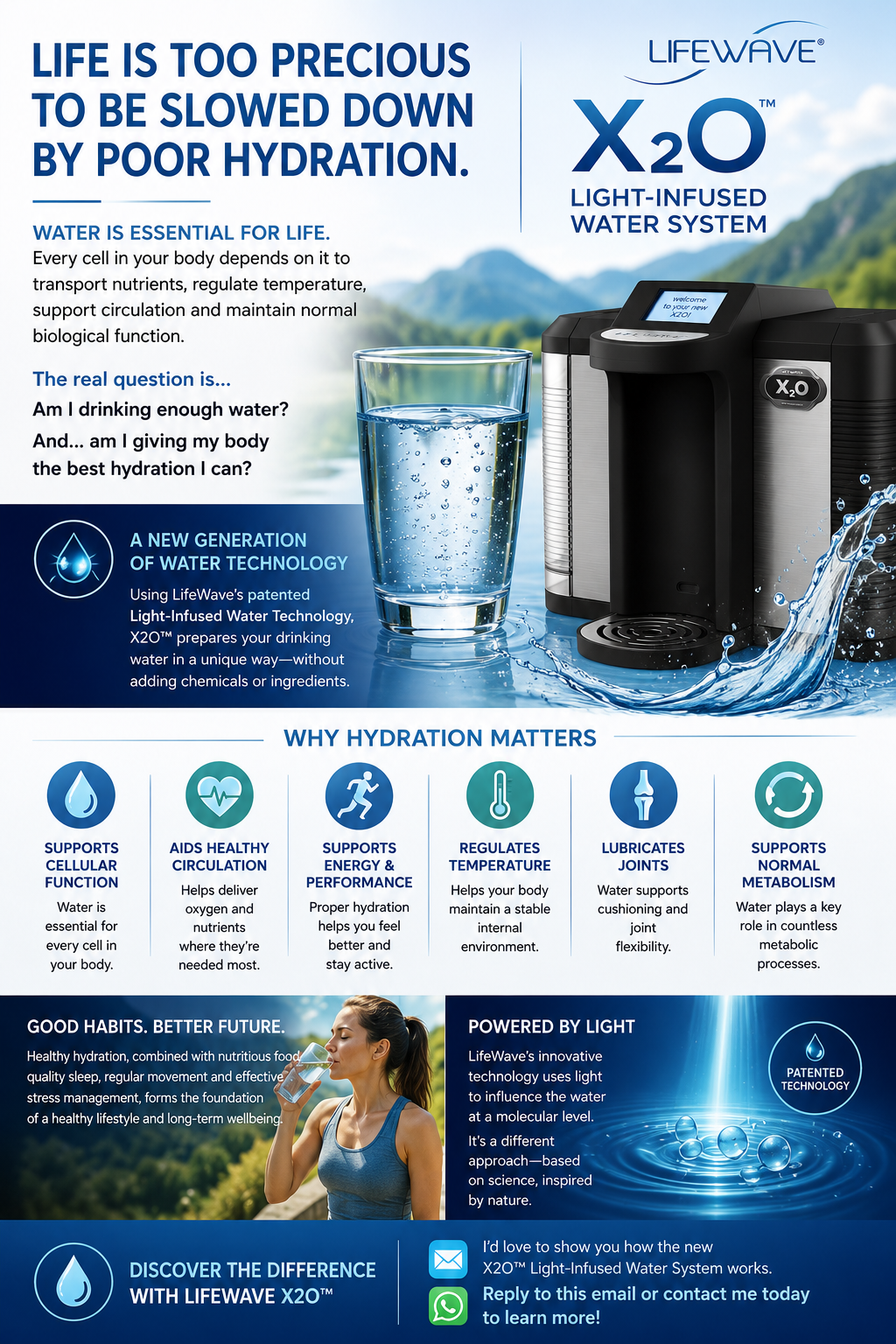
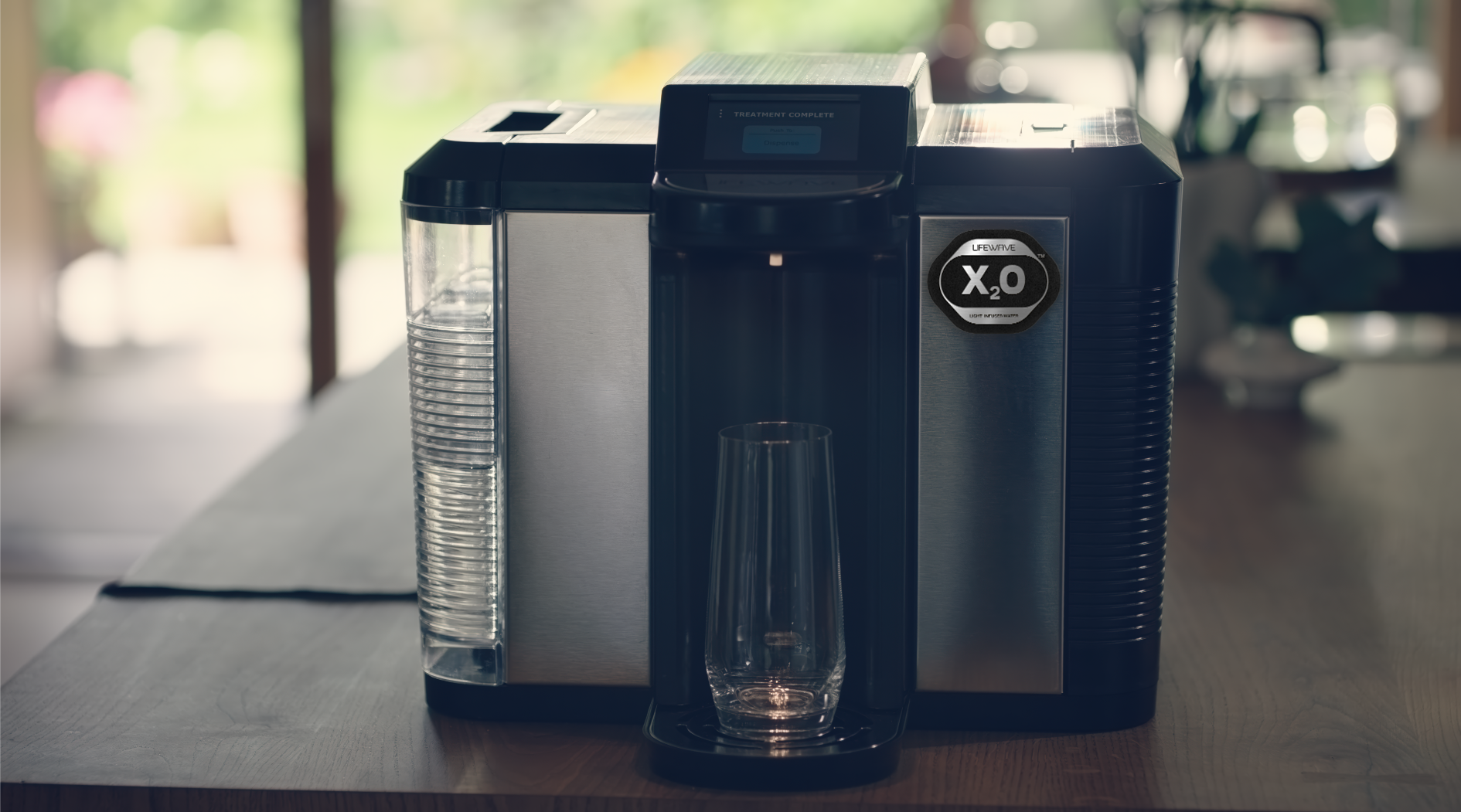
- X2o water machine ChatGPT image for DFS — https://media.dataformsolution.com/media/355dae25-15d6-4cf3-8111-35f0346539e4.png
- X39 certificate of completion. — https://media.dataformsolution.com/media/84da1544-83be-426f-87df-40d22b03788b.png
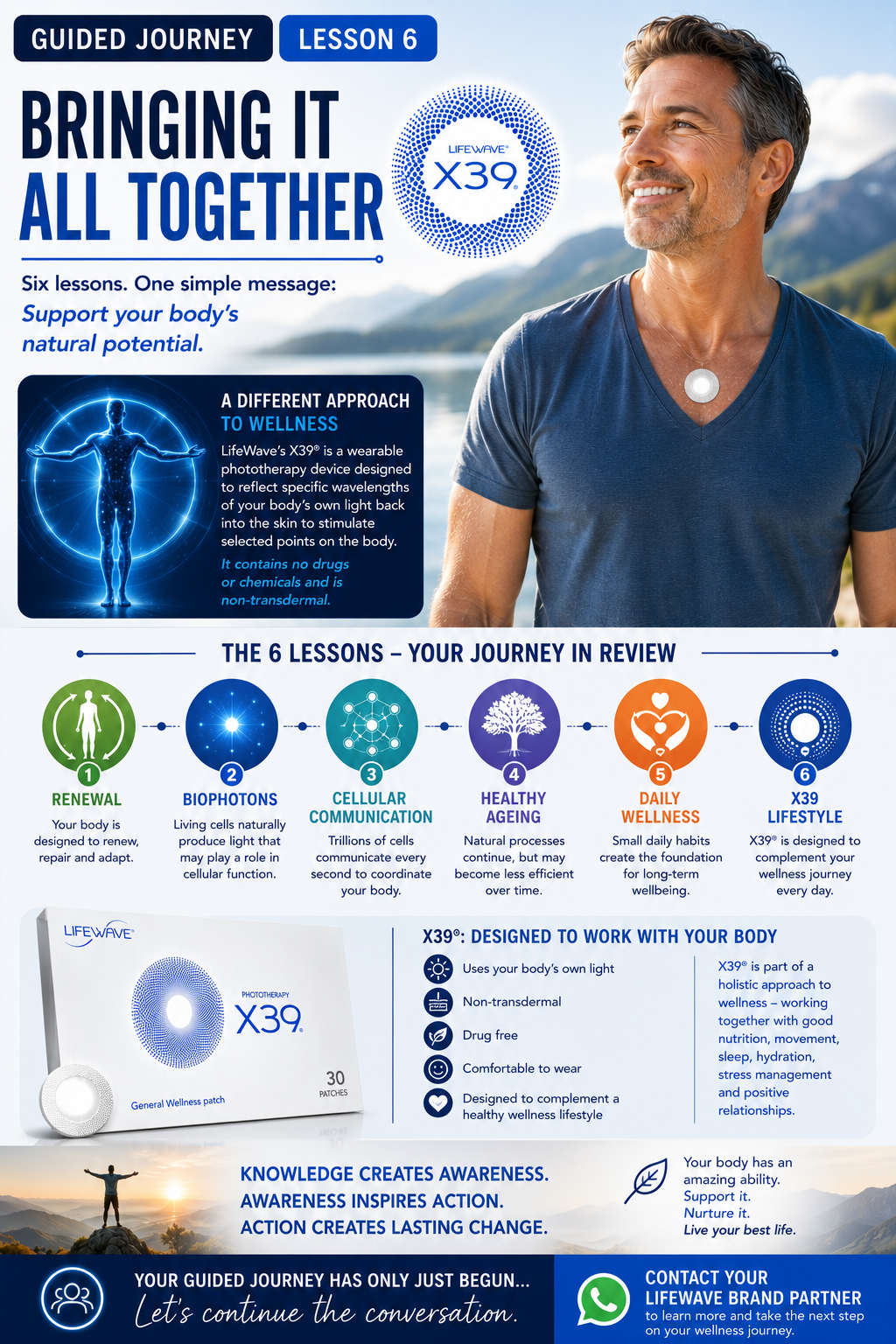
- LifeWave Lesson 6 final lesson — https://media.dataformsolution.com/media/4b7555cf-4f77-4461-ac1d-7f96a5e47fe4.png
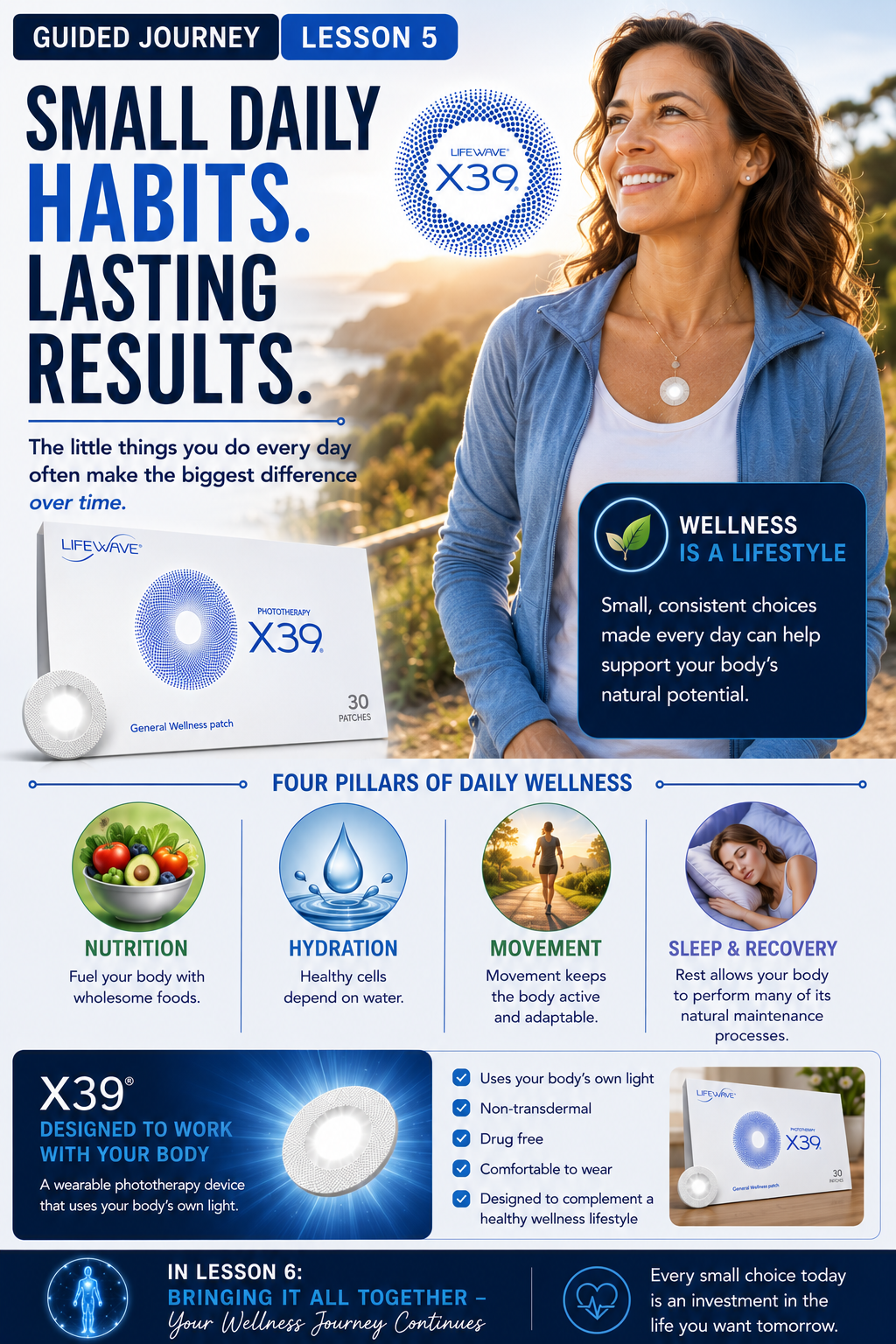
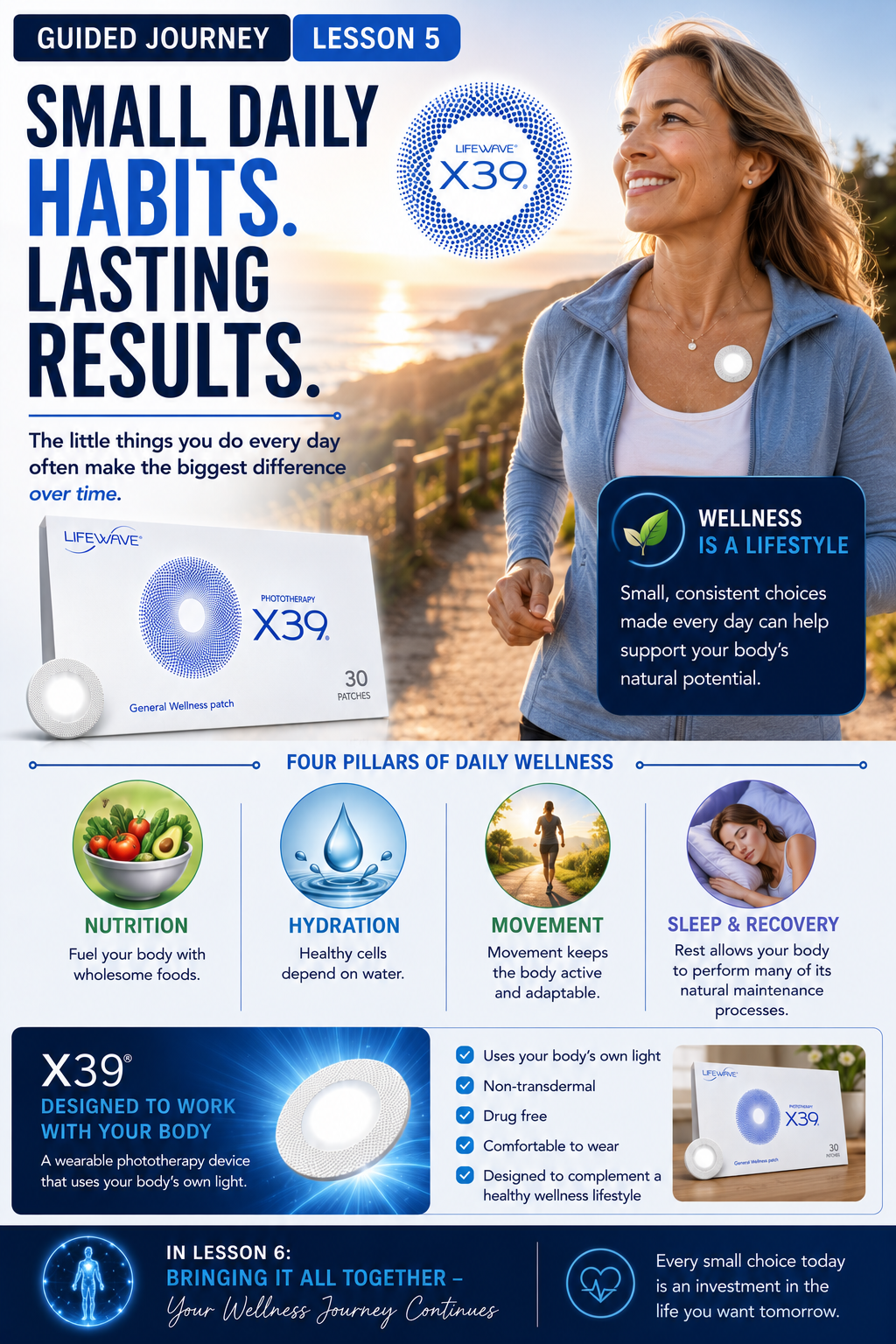
- Lifewave Lesson 5 new — https://media.dataformsolution.com/media/03e05bb1-e31d-4a9c-b80b-bb770924d3cf.png
- LifeWave Lesson 5 Image — https://media.dataformsolution.com/media/5a869269-4c9f-484d-96d5-76f0765653b8.png
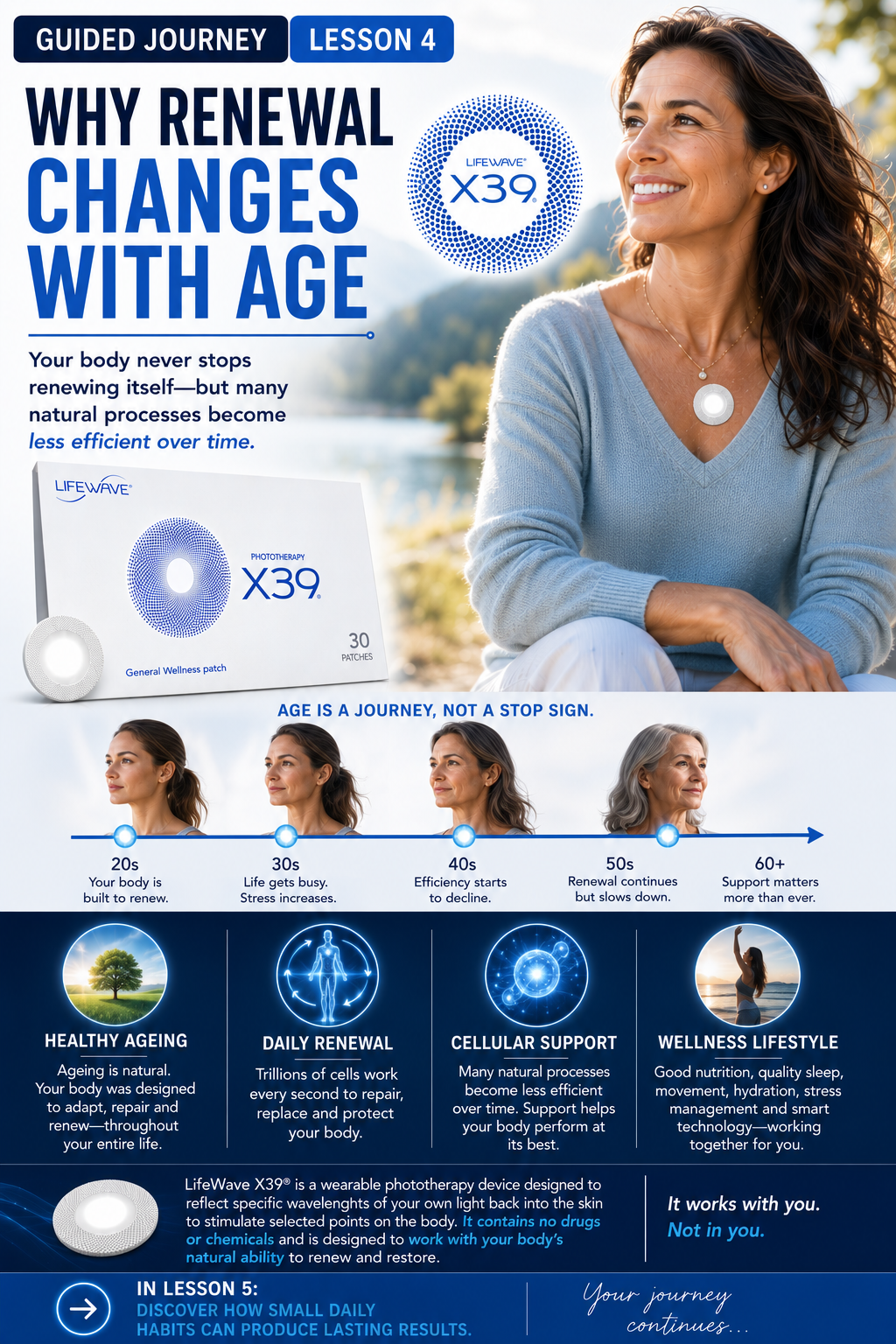
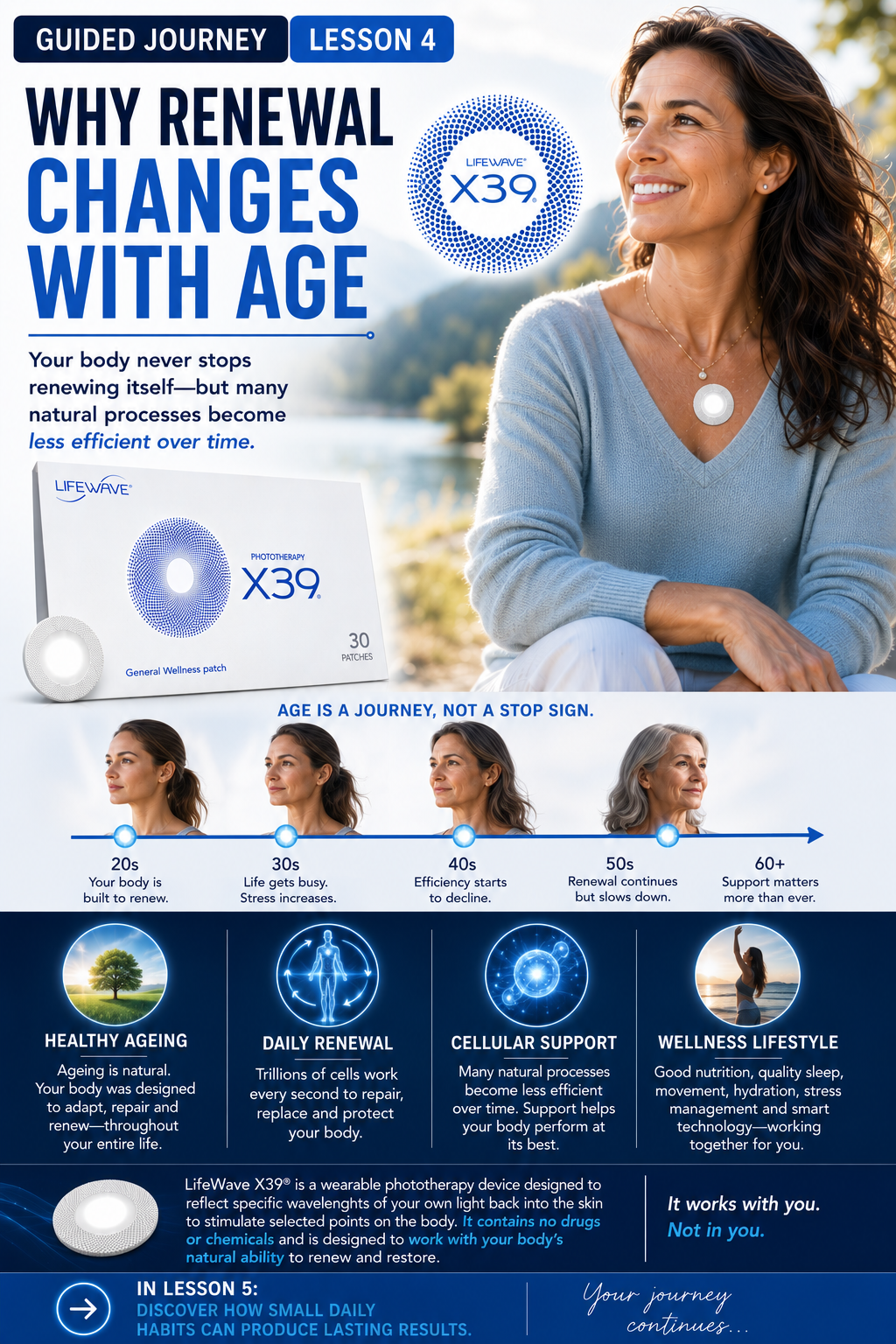
- Lifewave lesson 4 renewal — https://media.dataformsolution.com/media/15e6f3ee-5d29-45e9-b9eb-33d9b6a2443e.png
- Lifewave lesson 4 renewal — https://media.dataformsolution.com/media/70c0b6db-1827-442f-8579-7297f4cb6552.png
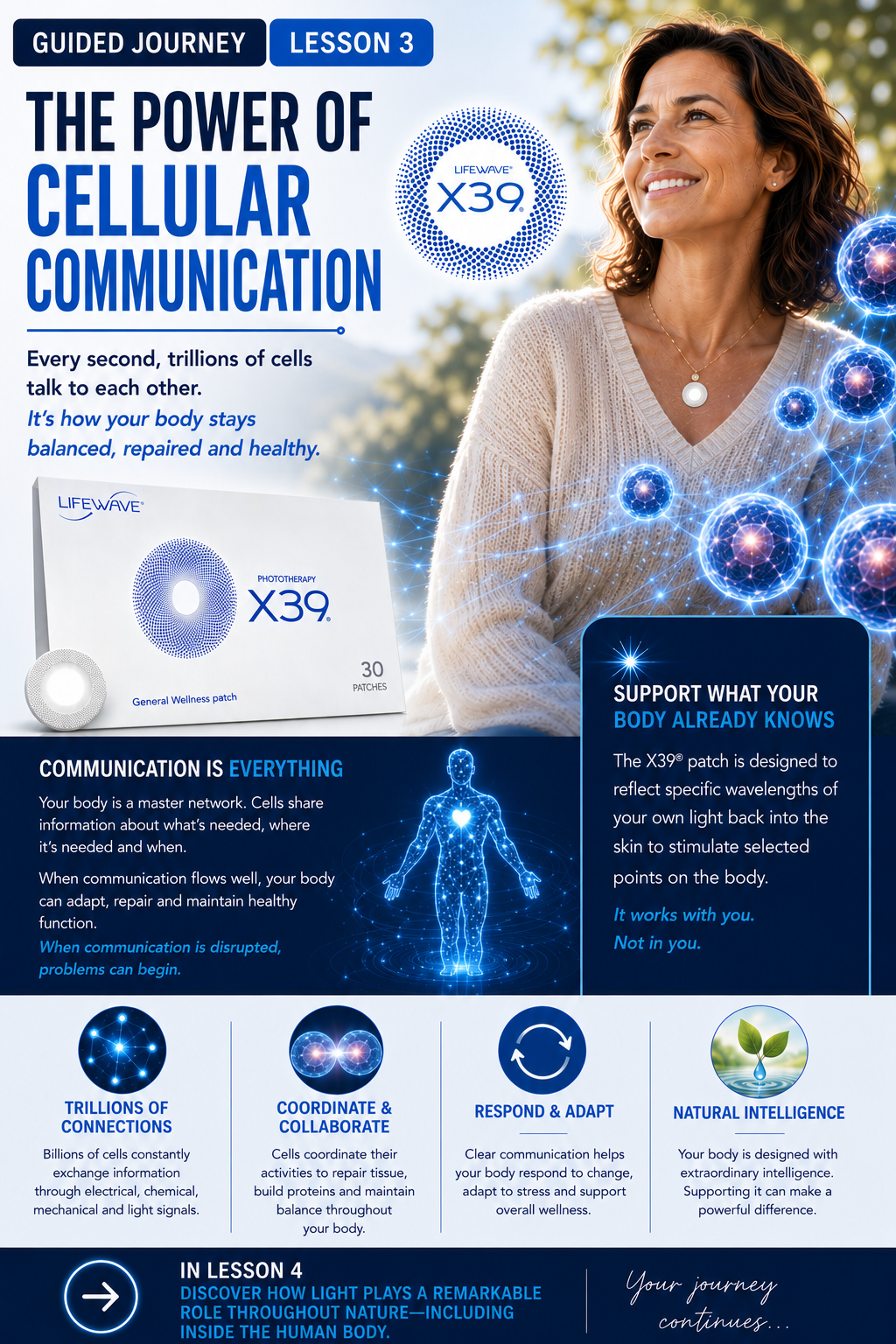
- LifeWave Lesson 3 communication is everything — https://media.dataformsolution.com/media/4fe34a52-4b00-4d97-ab44-04803031c924.png
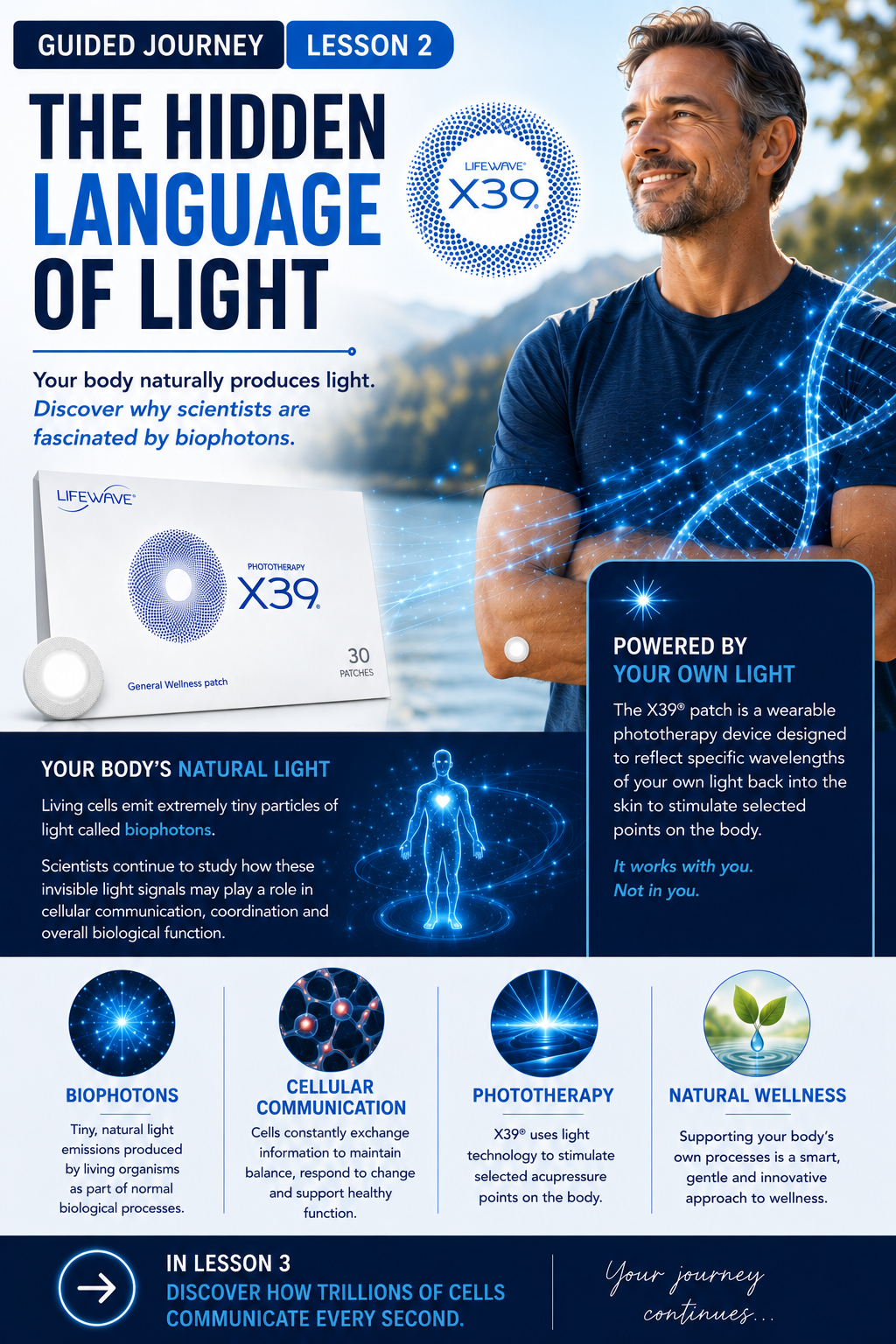
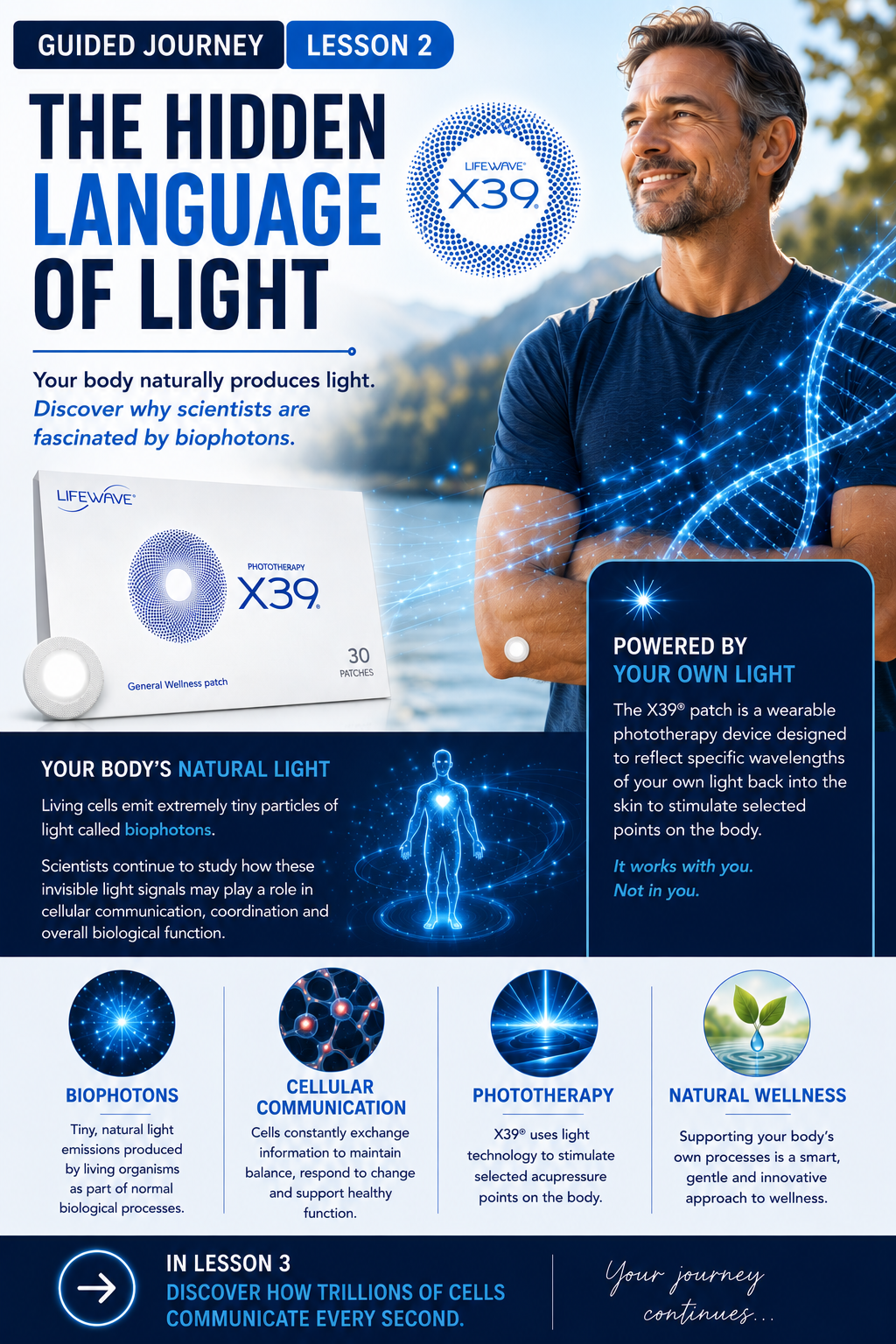
- Lifewave Lesson 2 man with patch on elbow — https://media.dataformsolution.com/media/de371026-cfc9-49e8-9e82-0b9263a53d89.png
- Lifewave Lesson 2 man with patch on elbow — https://media.dataformsolution.com/media/d38d13fb-72b6-4804-bb8a-c2d904a4799e.png
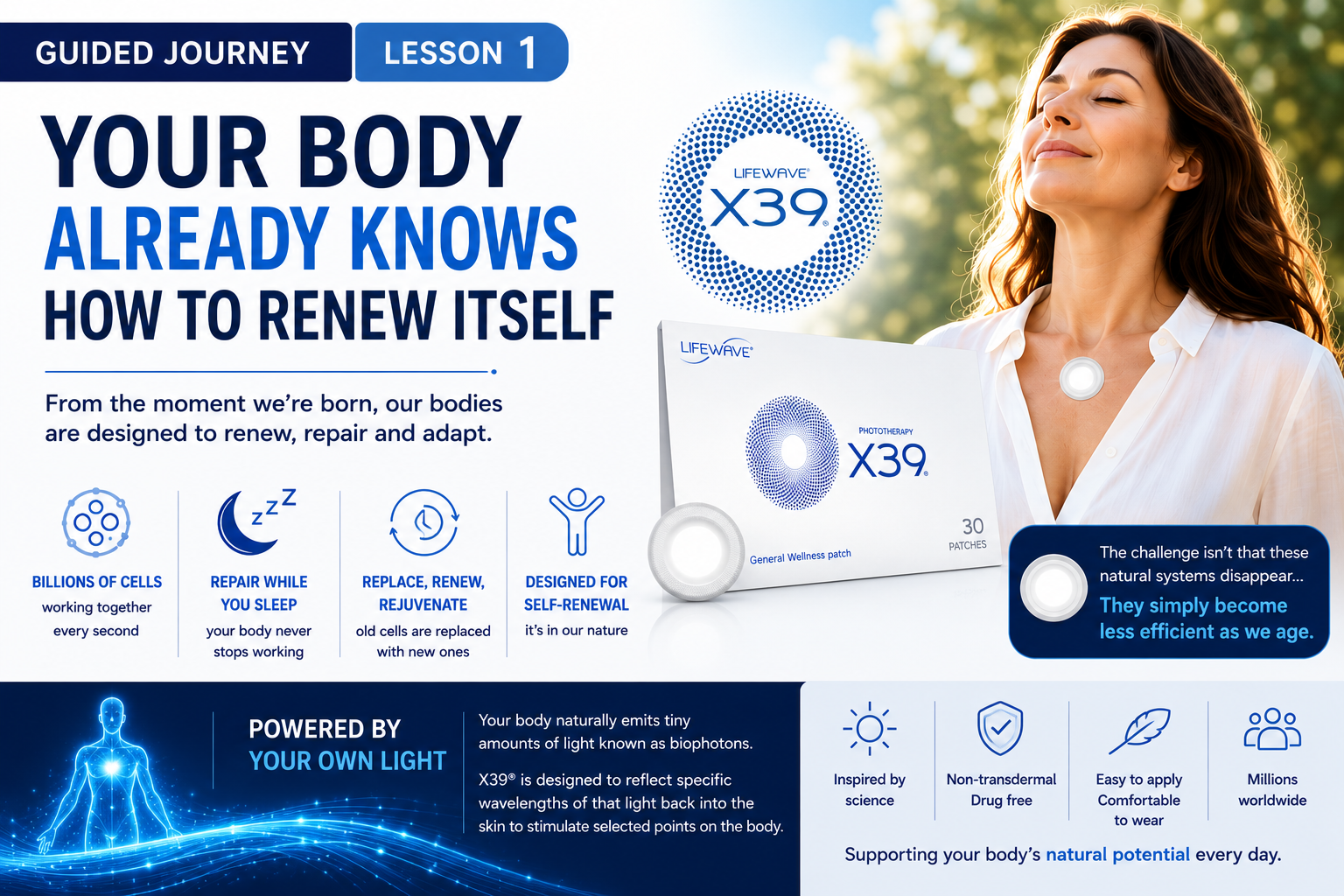
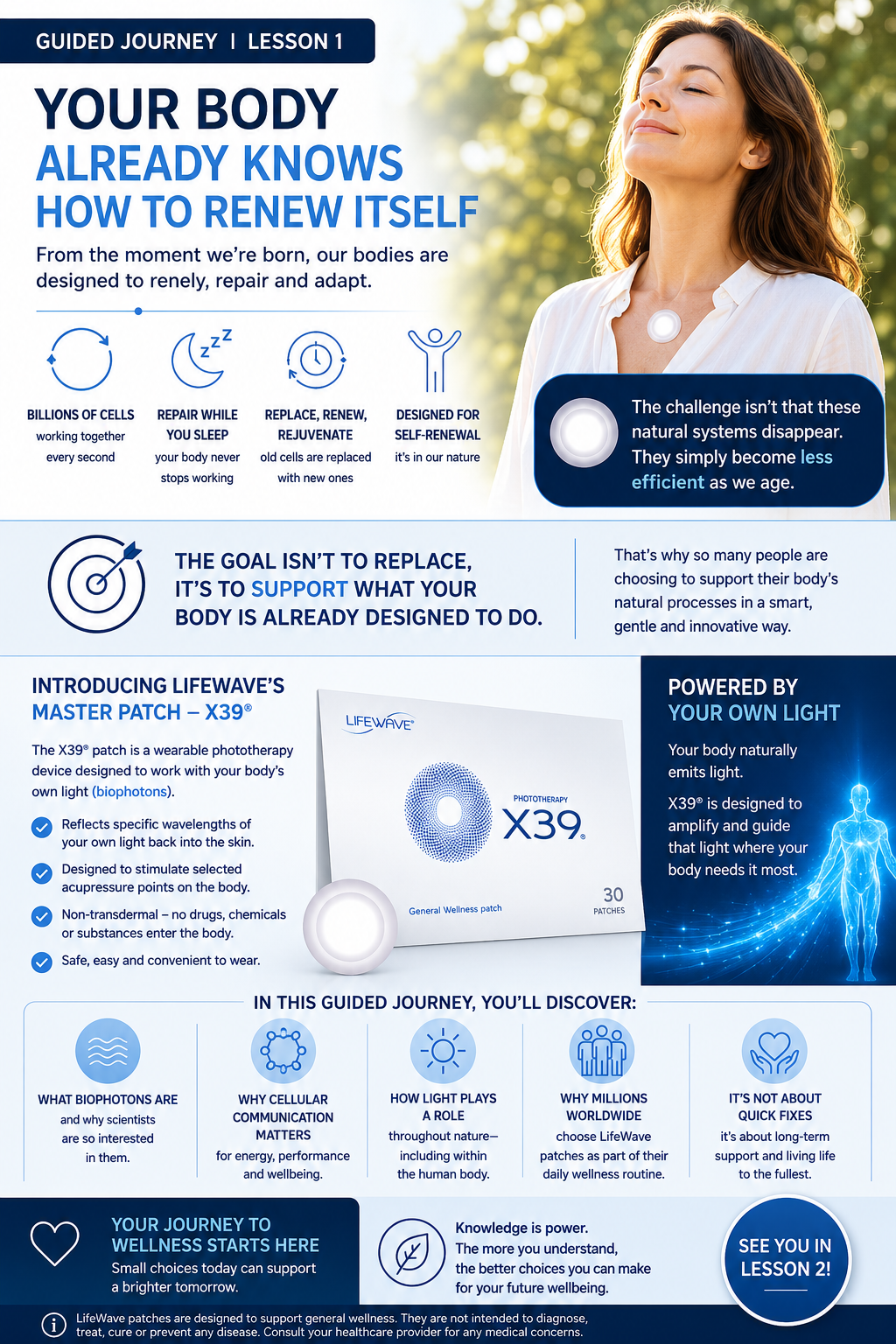
- Lesson 1 short version infographic with new patch — https://media.dataformsolution.com/media/15ff4c41-5f7a-46a4-af96-e6e88d724543.png
- Lesson 1 infographic — https://media.dataformsolution.com/media/e39f08f5-daad-42f1-b5dd-4d7d0dccc166.png
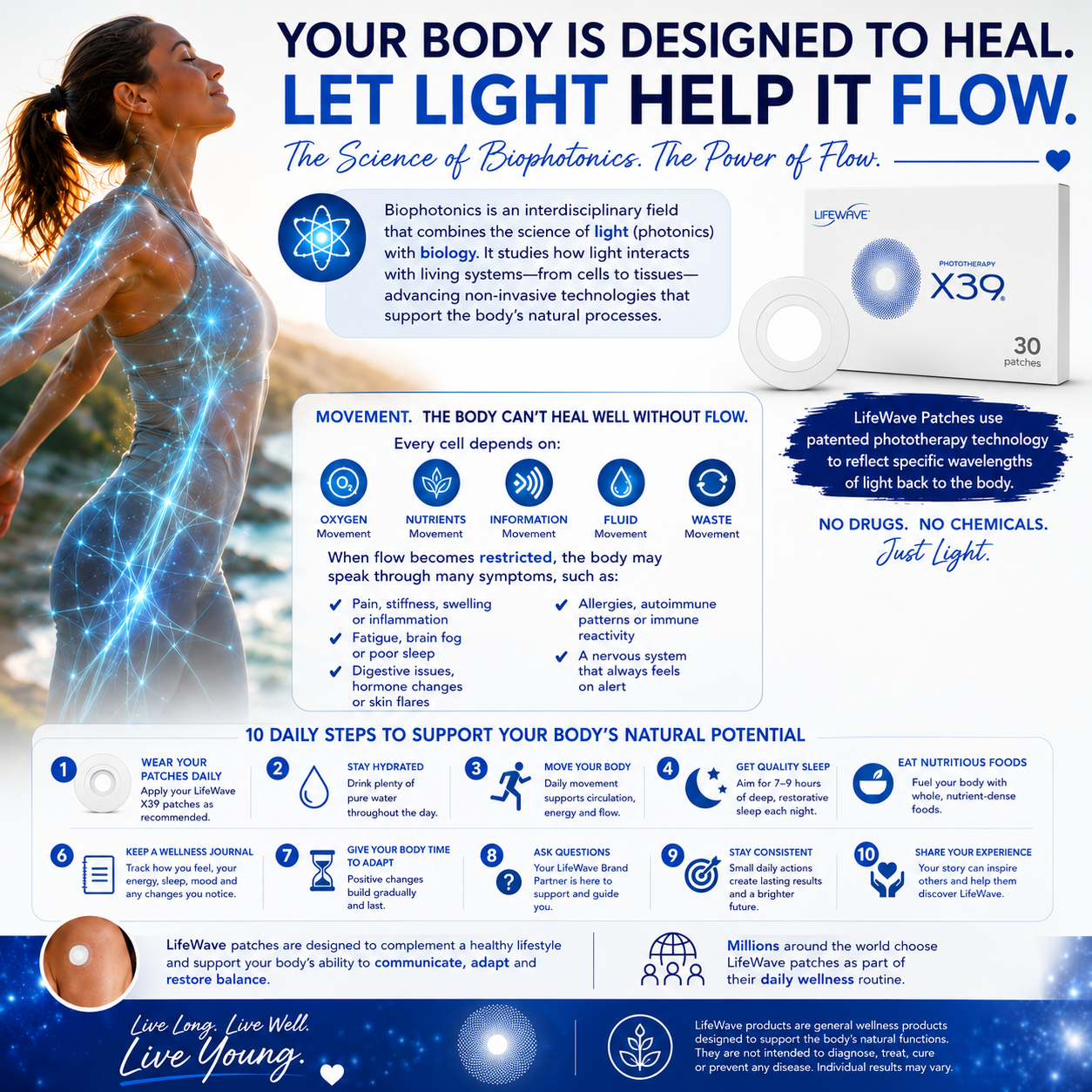
- LifeWave Let Light help it flow. — https://media.dataformsolution.com/media/f4cc07f0-53cd-4d9a-bd05-3ec610048d56.png
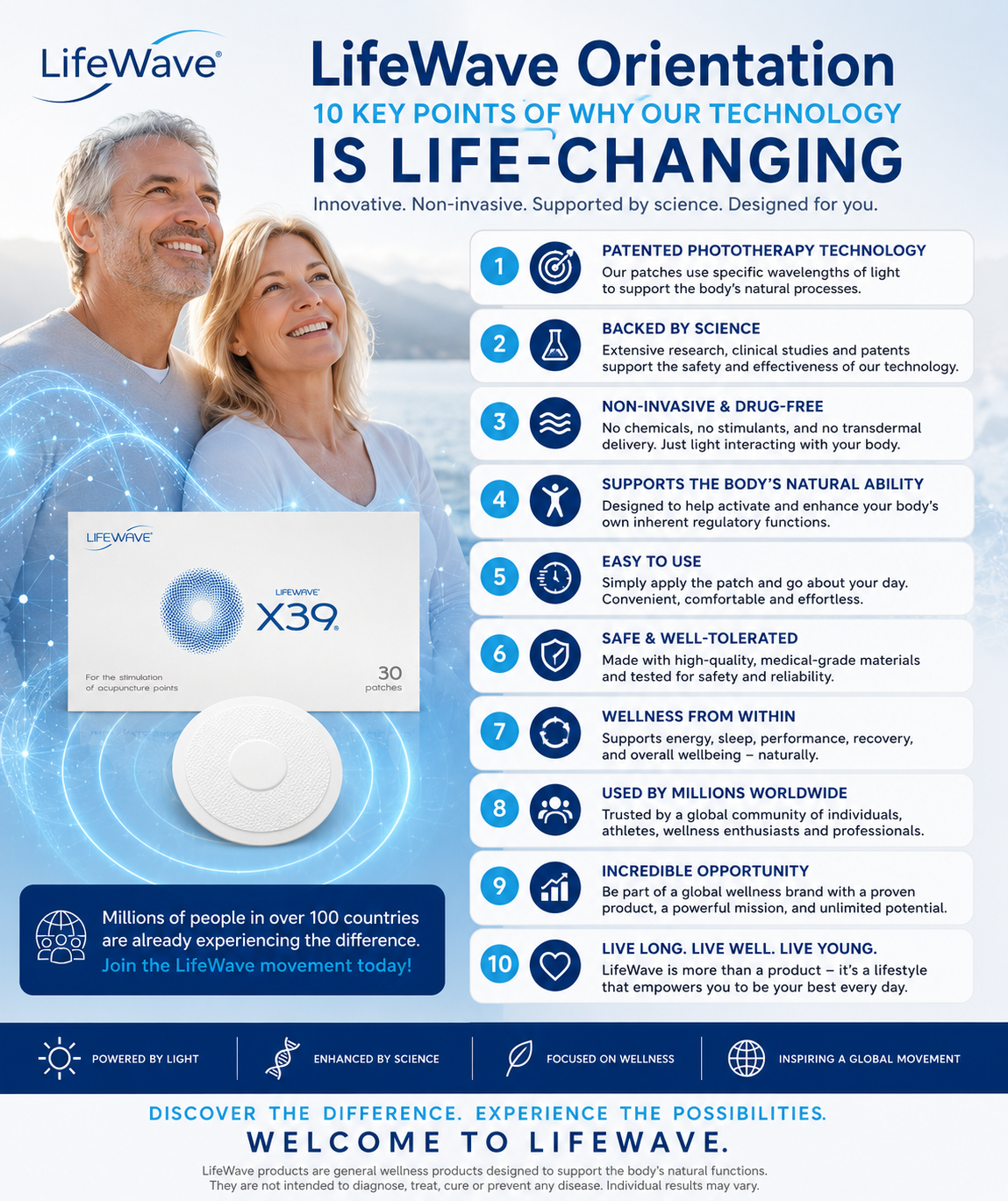
- LifeWave Orientation 1 — https://media.dataformsolution.com/media/01d1f967-b64f-4d14-9d1a-e20f461349d8.png
- Screenshot 2026-05-30 163156 — https://media.dataformsolution.com/media/315aabad-a011-4556-b3e4-f30b545f6f82.png
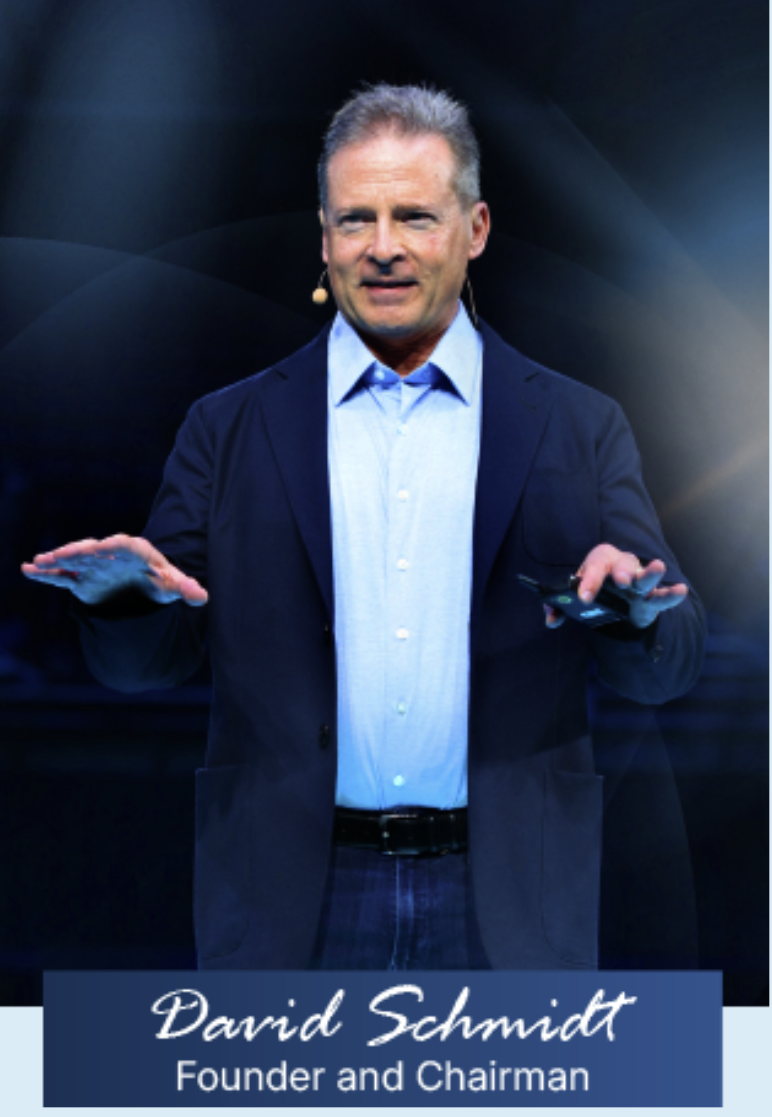
- David Schmidt 2025 — https://media.dataformsolution.com/media/29645fd0-60ad-49e2-ae19-bca0be7028cc.png
- Lifewave David Schmidt head shot 2025 — https://media.dataformsolution.com/media/11ff7d0f-ccd5-4e53-996f-6cc109f033d7.png
- x2o-shot — https://media.dataformsolution.com/media/ea199cf3-6660-4c87-8759-ba61b17126b4.png
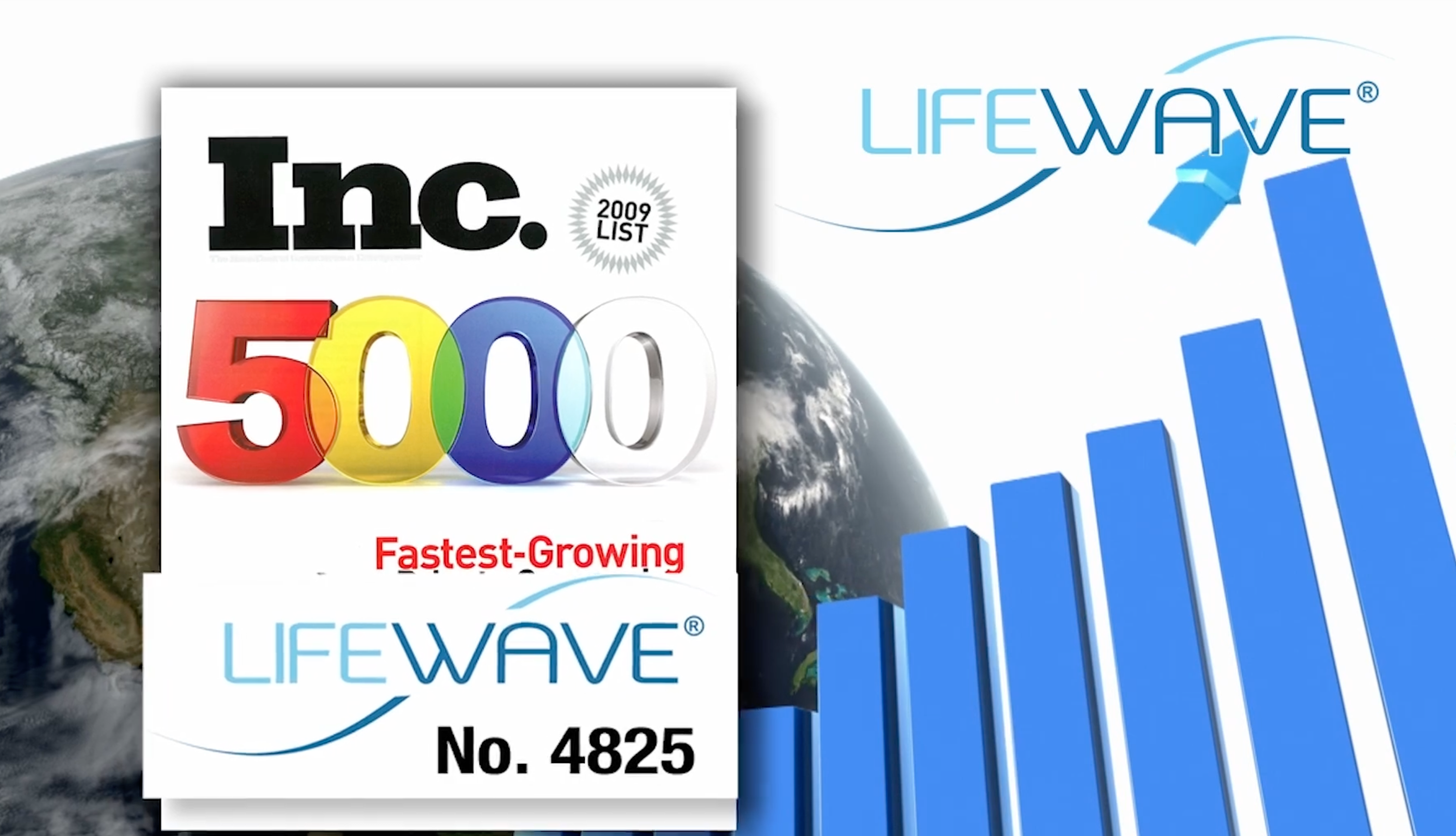
- Inc 5000 — https://media.dataformsolution.com/media/0d40886e-5e22-437f-89c9-ade25f115844.png


Handing work back
Publish the finished page at a public URL, then paste that URL into the DFS console: Landing pages → Import from URL. The page is copied, sanitised, and saved as a draft for approval.
Scripts, forms, and iframes are removed on import and reported back. Anything that depends on them must be rebuilt using the rules above.